Contents
- Index
Stored Procedures
DBQwikEdit Pro can will display a list of stored procedures in the database. You can see this in the database view.
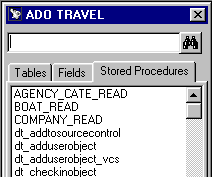
Double click any stored proc name in order to run that procedure.
You will be asked to provide any input parameters.
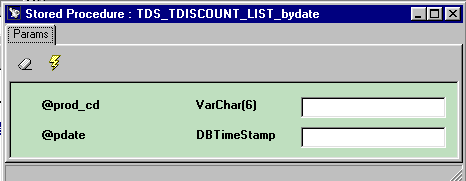
Click the run button  to run the procedure with the input parameter values you have typed.
The procedure will then run and display the dataset returned (if any) in a grid as well as any output parameter values.